Transforming Push Notifications into a Premium Brand Experience: a combination of design and automation
Your App is in Their Pocket. Are You Just Making Noise?
In the modern attention economy, the lock screen is the most valuable real-piece of estate on a user’s device. But for most founders, it’s a wasted opportunity.
We’ve all seen it: a generic, text-heavy notification that looks like a hundred others. It’s an interruption, not an interaction. When a notification feels like "noise," the user’s thumb moves instinctively to the left: Clear. Mute. Delete.
But on iOS, a notification doesn't have to be a simple string of text. It can be a high-fidelity, native extension of your brand’s UI.
Beyond the Text Box: The Notification as a Mini-Experience
Apple’s latest frameworks allow us to move past the "Alert" and into the "Experience." By leveraging Remote Notifications and Custom UI Extensions, we can transform a standard ping into a premium brand touchpoint.
The shift from a generic notification to a customized one solves three critical problems for a growing product:
- The Recognition Gap: When your notification includes custom branding, rich media, and unique layouts, the user knows exactly who is talking to them before they even read a word. It builds brand equity in a split second.
- The Interruption Tax: By using Time-Sensitive alerts and intelligently categorized interruption levels, you respect the user’s focus. You stop being a nuisance and start being a utility.
- The Friction Wall: Why force a user to unlock their phone, find your app, and navigate to a screen just to click "Approve"? Custom notification appearances allow users to view dynamic content—like a live map, a product image, or a data visualization—and take action directly from the lock screen.
The Anatomy of a Modern Notification
The biggest mistake founders make is thinking a notification is just a push of text. In reality, modern iOS architecture allows us to treat a notification as a miniature application that lives temporarily on the Lock Screen.
To achieve this, we utilize three distinct layers of Apple’s framework:
1. Humanizing the Alert: Communication Notifications
The first touchpoint is social. By implementing INSendMessageIntent, we move away from the generic app icon. Instead, the notification features the sender’s avatar directly in the alert.
- The Strategic Value: It makes the interaction feel like a 1-to-1 conversation rather than a broadcast. For platforms involving community or service, this builds immediate human trust before the user even unlocks their phone.
2. The Interceptor: Notification Service Extensions
Standard notifications are limited by what you can fit in a tiny data packet. A Service Extension acts as a "middleman." When a notification hits the device, this extension wakes up silently in the background before the user sees anything.
- The Result: Instead of a text link, the user receives a rich, media-heavy card that demands attention.
3. The "Magic" Layer: Notification Content Extensions
This is where we fundamentally change the UI. A Content Extension allows us to build a custom view controller that appears when the user interacts with the notification.
- The Experience: Instead of just reading "Your order is on the way," the user haptic-presses the notification to reveal a custom interface.
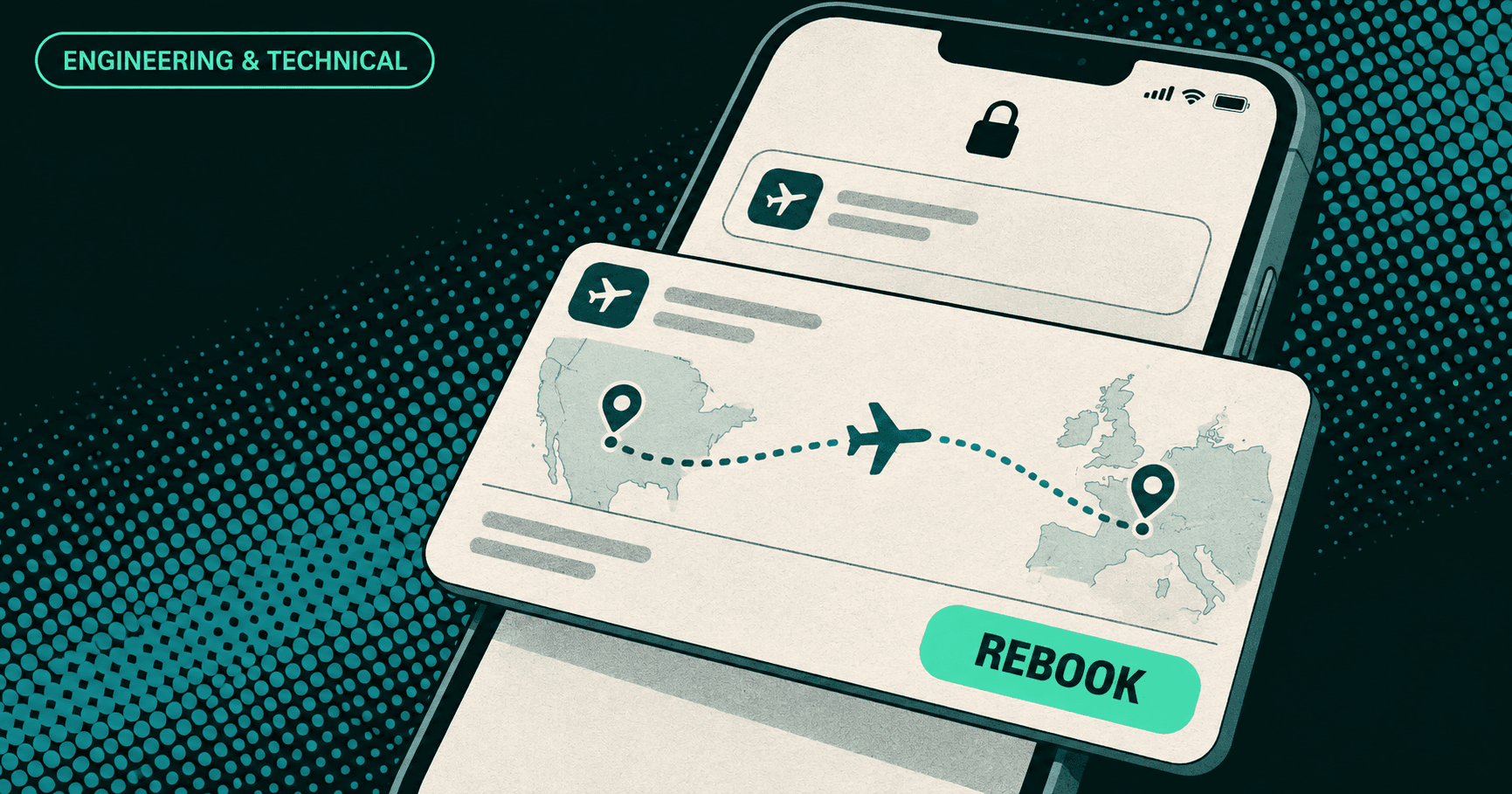
- The Travel Example: Imagine a travel app. A standard notification says: "Your flight is delayed." A Flywheel-engineered notification shows a live map of the aircraft's current position, the new gate number in bold, and a "Rebook" button—all rendered natively on the Lock Screen.
Engineering Custom Notifications with Pushfire
A premium notification experience depends entirely on the reliability of the delivery pipeline. You can build complex custom notification interfaces in your app, but if the payload isn't structured correctly or delivered with the right priority, the user experience suffers.
At Flywheel Studio, we have standardized our delivery through Pushfire, a specialized notification delivery service designed to handle the complexities of modern APNs and FCM communication.
Pushfire simplifies the automation of these notifications. Instead of manually managing certificates and complex connection logic for APNs/FCM, Pushfire provides a streamlined API to send structured payloads. This ensures that the device receives the exact keys needed to trigger custom app behaviors without delivery overhead.
Conclusion: Scaling Retention Through Precision
In 2026, the apps that survive are the ones that respect user attention while providing undeniable value. Custom notifications are no longer a "luxury feature"—they are a requirement for any brand that wants to remain relevant on a crowded device.
- The Finding: High-fidelity, customized notifications aren't just eye candy. They significantly lower "Mute App" rates and turn passive alerts into active conversion moments.
- Why You Need It: Your brand is judged by its weakest touchpoint. If your notification is generic, your product feels generic.
- The Flywheel Promise: With the strategic design of our team and the technical power of PushFire, we turn every buzz in a user’s pocket into a win for your brand.
Stop sending pings. Start delivering value. Flywheel and PushFire are ready to help you dominate the lock screen with custom iOS notifications.