How to Avoid FlutterFlow Merge Conflicts: 5 Tips for Teams
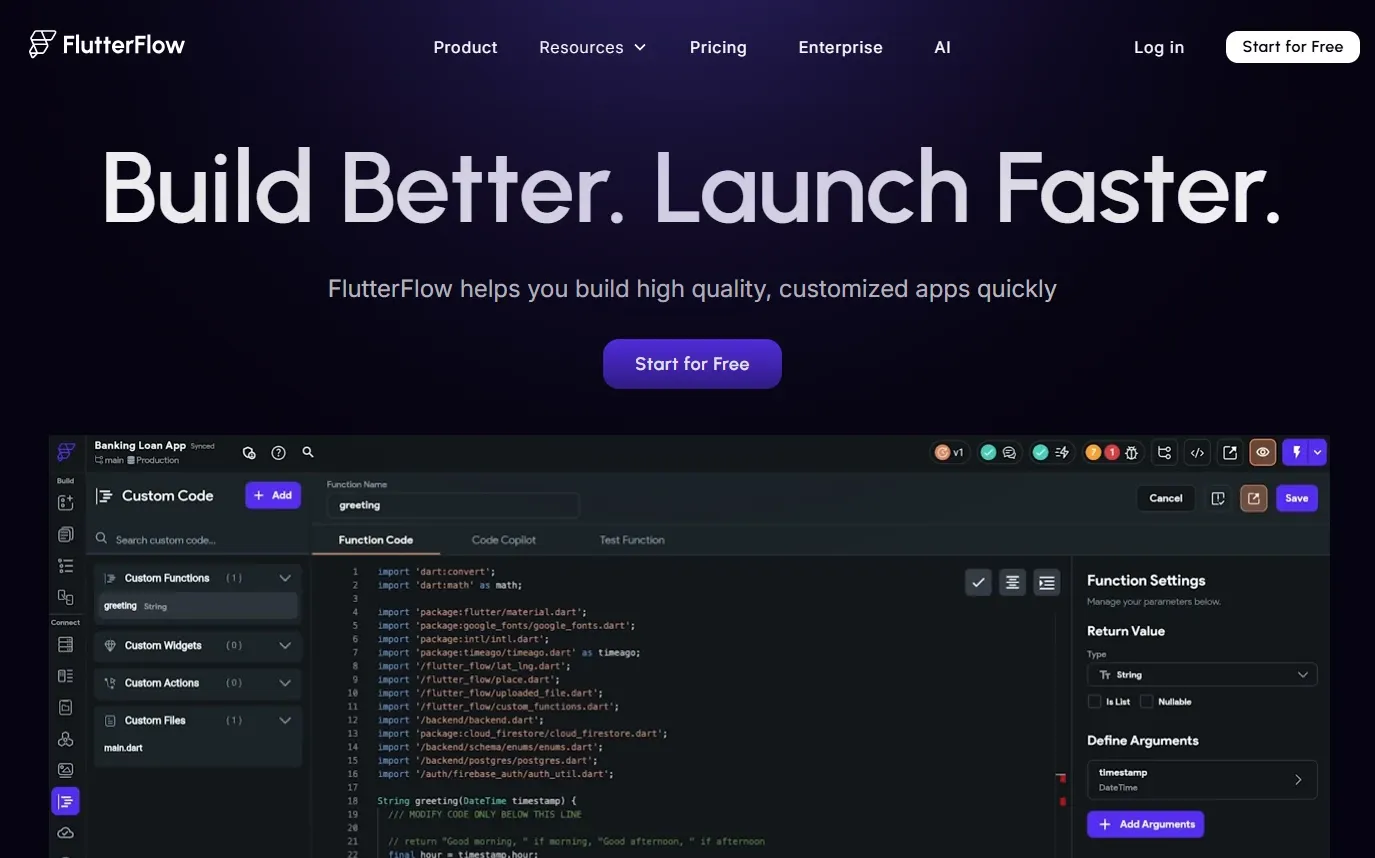
Hey there! If you’re diving into collaborative mobile development, you might be dreading the overlapping work that inevitably comes with it. Here at Flywheel Studio, our client projects are usually tackled end-to-end by a single solo developer. But recently, my colleague Mica and I teamed up on a larger app project. We honestly expected a bumpy ride, but we actually had a wonderful experience. Believe it or not, we faced almost zero FlutterFlow merge conflicts during our entire build!
GitHub Merging vs. FlutterFlow Merging
If you come from a traditional Flutter background, you are probably used to standard GitHub merging. In pure code environments, GitHub compares lines of text. It’s incredibly precise, meaning if you and a teammate edit different lines in the exact same file, Git can usually auto-merge them with ease.
FlutterFlow merging is a completely different beast because it’s a visual, component-based builder. Because you are working directly with a graphical UI, two people editing the exact same page can cause complex, overlapping widget trees. You aren't just merging text files anymore; you're merging visual structures, actions, and state variables. Navigating these visual overlapping issues requires a slightly different mindset than traditional code.
5 Tips to Prevent FlutterFlow Merge Conflicts
Here are the five simple strategies Mica and I used to keep our shared components and pages running smoothly:
- Divide and Conquer by Page: We made a strict rule to never work on the exact same page at the exact same time. If Mica was building out the Dashboard, I focused exclusively on the Settings page.
- Componentize Your UI: Shared visual elements should always be turned into reusable components. However, assign strict ownership! If I am updating our custom header component, Mica knows not to touch it on her active branch.
- Communicate Constantly: Flawless mobile development requires great communication. We constantly messaged each other about our daily focus areas. A quick "Hey, I'm updating the global theme colors today" prevents massive headaches later.
- Merge Small, Merge Often: Don't wait two weeks to combine your work. We merged our branches every single day to catch any overlapping structural changes as early as possible. We usually branched per feature, so it was simplifying track progress.
- Appoint a Merge Captain: We let one person handle the final merge clicks into the main branch. This ensures that a single set of eyes is reviewing the visual diffs before making them permanent.
The Ultimate Pro Tip
Even with these rules, what happens when you absolutely must edit the same complex page?
Pro Tip: Divide the page into components first! Have one developer build the blank skeleton of the page, push it, and merge it. Then, branch out and have each developer work on isolated components (like a specific list view or a navigation bar) that will eventually just be dropped into that main skeleton. This way, no one is ever fighting over the same page layout!
Building an app together doesn't have to be stressful. Stick to these collaboration tips, and you’ll have a flawless launch.