Mobbin MCP + AI: The Secret Shortcut to 1000s of Real App UI Screens
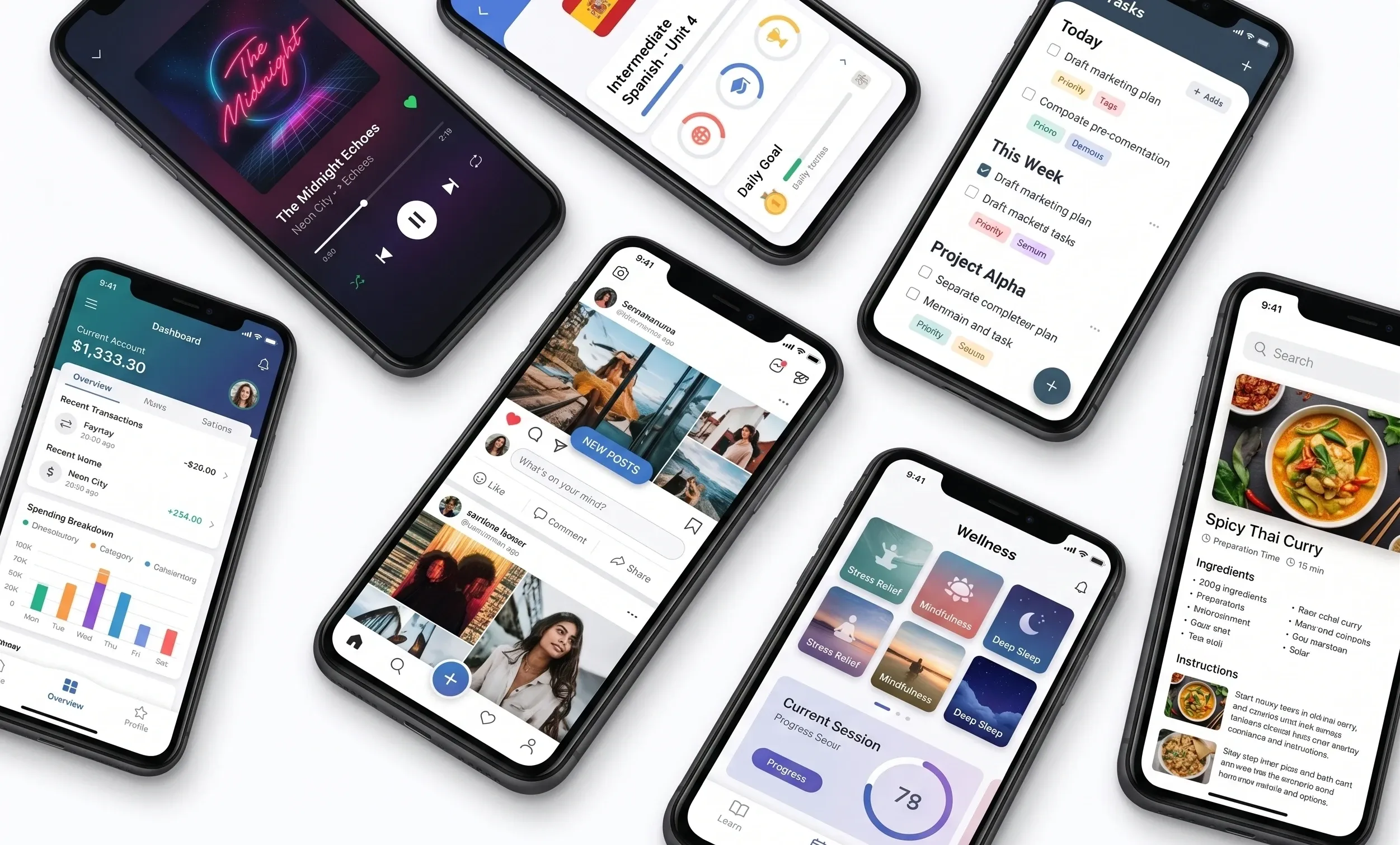
For the last two years, most conversations around AI and design have focused on generation. People have been amazed by the ability to type a prompt, wait a few seconds, and receive screens, interfaces, landing pages, and even complete application concepts. It feels almost magical at first. You describe what you want, and AI creates something that looks surprisingly close to a finished product.
But anyone who has spent serious time building products quickly discovers a problem. The first output is usually interesting. The second or third can even feel impressive. But eventually you hit a point where everything starts looking generic. The onboarding flows feel repetitive. Dashboards begin to resemble one another. Interfaces look polished, but they often lack intentionality.
That is because AI has historically been working with incomplete information.
When you tell an AI assistant, "create a great onboarding experience," it doesn't truly understand what makes onboarding effective. It isn't thinking about user research, behavioral psychology, or conversion patterns. It is predicting what a good onboarding flow might look like based on patterns it has seen before.
Most of the time, it is guessing.
That guessing has been one of the biggest hidden limitations of AI-assisted product design. It works surprisingly well for rough concepts and rapid experimentation, but as soon as you begin building products that real users depend on, approximations become much more visible.
Mobbin's new MCP integration introduces something that feels much larger than another AI feature release. Instead of relying entirely on predictions, AI can now connect directly to a catalog containing more than 600,000 real-world design patterns and user flows from actual products.
On the surface, that sounds like a design shortcut. In reality, it changes the role AI plays in the design process entirely.
For years, designers used inspiration sites like Mobbin as a way to understand what successful products were doing. You would manually search onboarding screens, analyze navigation structures, study checkout experiences, and identify common patterns. It was essentially research through observation.
The difference now is that AI can participate in that process.
Instead of asking an assistant to generate a dashboard from scratch, you can ask it to analyze successful dashboard patterns first. Rather than creating onboarding flows from assumptions, it can review examples that already exist in products users interact with every day.
That shift is subtle but important.
The conversation moves away from "create something" toward "understand something first, then create something better."
The transcript demonstrates exactly this type of workflow. Claude analyzes onboarding examples and identifies patterns such as personalization, progress indicators, social proof, and trust-building mechanisms. Rather than simply generating screens randomly, it starts synthesizing principles from products that have already proven effective.
The interesting part is not that it generates faster.
The interesting part is that it starts behaving more like a design partner.
There is another aspect of this workflow that becomes powerful as projects grow in complexity. AI is no longer limited to creating interfaces. It can also begin critiquing them.
The transcript shows Claude comparing an existing Figma design against Mobbin references, identifying weak areas, highlighting missing elements, prioritizing recommendations, and redesigning the experience based on those observations.
That creates a continuous feedback cycle.
Research becomes connected directly to design. Design becomes connected directly to iteration. Iteration becomes connected directly to implementation.
Traditionally these were separate stages handled by different teams at different times. Research happened first. Design followed later. Development came after approval. Testing arrived near the end.
AI is beginning to compress those timelines into something much more fluid.
But despite how impressive this feels, there is still an important limitation that often gets lost in discussions around AI.
AI still does not understand why decisions were made.
It can recognize that a pattern exists across successful applications. It can observe that progress bars frequently appear during onboarding or that certain dashboard layouts are common. But it cannot automatically understand the research, conversations, or behavioral insights that led teams to choose those solutions in the first place.
The transcript touches on this directly: successful products contain decisions informed by research and human understanding that AI cannot fully infer.
That distinction matters because it changes how designers create value.
The future probably isn't one where AI replaces designers. It looks more like a future where designers stop spending time on repetitive mechanical work and spend more time making decisions.
At Flywheel Studio, this shift is already becoming visible across product workflows. The most effective teams are no longer simply asking whether AI can generate a design. They are asking a different question:
"How do we feed better context into the system so the output becomes smarter?"
Because AI design is slowly becoming less about prompting and more about understanding.
And the teams that understand that shift early may end up building much better products than everyone else.